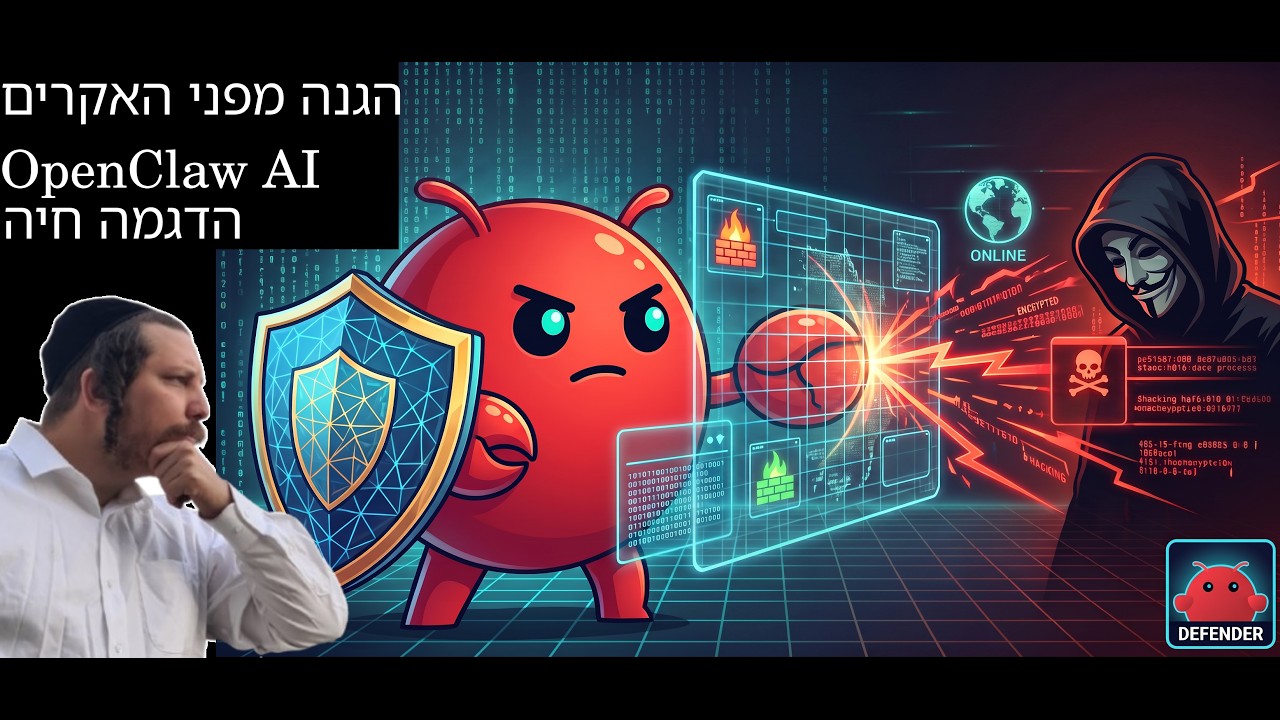
Most security content is a slide that says “use strong passwords.” This one starts mid-incident. Ariel’s OpenClaw agent is reporting that an IP is attacking his production server, so he stops the conversation, runs the ban, and walks through exactly why the attacker never had a chance. Then the talk drifts, as good conversations do, into OpenClaw’s little siblings, sandboxed agents, and which social platforms will ban your bot.
The live incident
The agent flags the attacker, and Ariel runs a ban script the AI wrote for him earlier. The firewall had already dropped the traffic, but he bans the IP anyway. He also notices something he does not like: according to his own rules, that IP should have been banned automatically, and it was not. So the fix goes on the list: open a session from OpenClaw to production and have it repair the automation. Honest moment, and a useful one. Even a hardened setup drifts, and you only find out when something knocks.
The zero-tolerance policy
The heart of the video is a simple rule set:
- Only SSH keys. Ariel never logs in to his servers with a username and password. Keys only.
- One password attempt = permanent ban. Since a legitimate login never uses a password, anyone who tries one is an attacker by definition. “You touch it, you bought it.” The IP gets banned in both the firewall and Fail2Ban, permanently.
- Two layers. The firewall blocks general access. If something somehow slips past it and reaches the login system, Fail2Ban is waiting.
- Lock the hosting panel too. The hosting account sits behind Google sign-in plus MFA, plus an emailed code from the host. To get in, an attacker would need the password, his phone, and his email. Good luck.
- Harden the SSH protocol itself. Beyond disabling passwords, SSH can be told to reject old, weak encryption.
The hardening prompt
The practical gem: Ariel spent about a week refining a single security prompt. Every time he spins up a new machine, he hands it to the AI and says “do everything written here.” He then verifies the result with Lynis, an auditing tool that scores the server. His machines come out with one yellow warning and a handful of recommendations.
One lesson learned the hard way: file-integrity scanners like AIDE are great on a stable production box, but on a busy development machine where files change all day, they grind the CPU and the disk.
An AI guard for production, terminal only
Ariel’s next step is to install an OpenClaw agent directly on the production server, with one job in life: guard the machine. And he is deliberate about the attack surface: no WhatsApp connection, no GUI, terminal (TUI) only. His view after watching agents loop on his laptop: an agent is like a kid. As long as you do not unleash it, everything is fine. Give it a narrow job and a narrow channel.
The tangent: OpenClaw’s siblings, sandboxes, and platforms
The second half wanders, so here is the condensed version (the auto-translated transcript garbles some product names, so treat names as approximate):
- Alternatives. For non-technical users who want a personal assistant without tinkering, Ariel points to Hermes as the more comfortable, less flexible option. For the lightweight crowd there are small open-source agents like localGPT (which he has contributed to), IronClaw, PicoClaw, nanobot, ZeroClaw and NanoClaw, built on Rust, Go, Node and Python. He sticks with OpenClaw because he knows it deeply and has built complex setups for clients with it.
- Sandboxing. Agents can live in their own Docker container so they cannot poison the host. Push it further, give each container a full desktop with remote access, and every agent gets its own computer and browser. The main cost is RAM.
- Platforms and bots. Meta (Facebook and WhatsApp) is aggressive against bots and bans accounts it detects, and its terms forbid general-purpose assistant bots. Telegram is relaxed, as long as the bot is clearly a bot. X can take down your profile. LinkedIn officially opposes scraping and has sued scrapers. For marketing, his experience: TikTok brings views, Facebook brings engagement, YouTube eventually brings real leads, and WhatsApp brings strong engagement but no distribution unless you build the list yourself.
🔥 Roast Corner
If your server still accepts password logins in 2026, you are not “keeping it simple.” You are running a public raffle where the prize is your production database. Every bot on the internet is buying tickets all day, and you are hoping none of them wins. Ariel’s rule is brutal and correct: there is no innocent reason to try a password on a key-only server, so there is no reason to give a second chance.
And the “three strikes” crowd? Three strikes is a baseball rule, not a security policy. Bots do not get tired, they rotate. Polite thresholds just tell them how many guesses they get per IP.
Bonus roast for anyone who installs a shiny AI agent on production and immediately wires it to WhatsApp, a web UI, and five plugins. Congratulations, you hired a guard and gave every stranger a phone line to him.
🤖 AI for Humans
You do not need to be a security engineer to get most of this. You need a checklist and an AI to execute it.
- Write your hardening prompt once. Keys-only SSH, disabled password auth, modern ciphers only, firewall on by default, Fail2Ban with an aggressive policy. Refine it until it is boring, then reuse it on every new server.
- Verify, do not trust. Run an auditor like Lynis after the AI is done. The AI applied the rules; Lynis tells you whether they actually stuck.
- Make the alert loop real. Ariel found out his auto-ban had drifted only because his agent reported the attack. Have something watching and reporting, not just blocking silently.
- Give production agents the smallest possible door. Terminal only, one job, no chat integrations. Narrow channel, narrow damage.
Security is not a product you buy. It is a short list of rules, applied every time, and checked by something that never gets bored.
💬 Comments