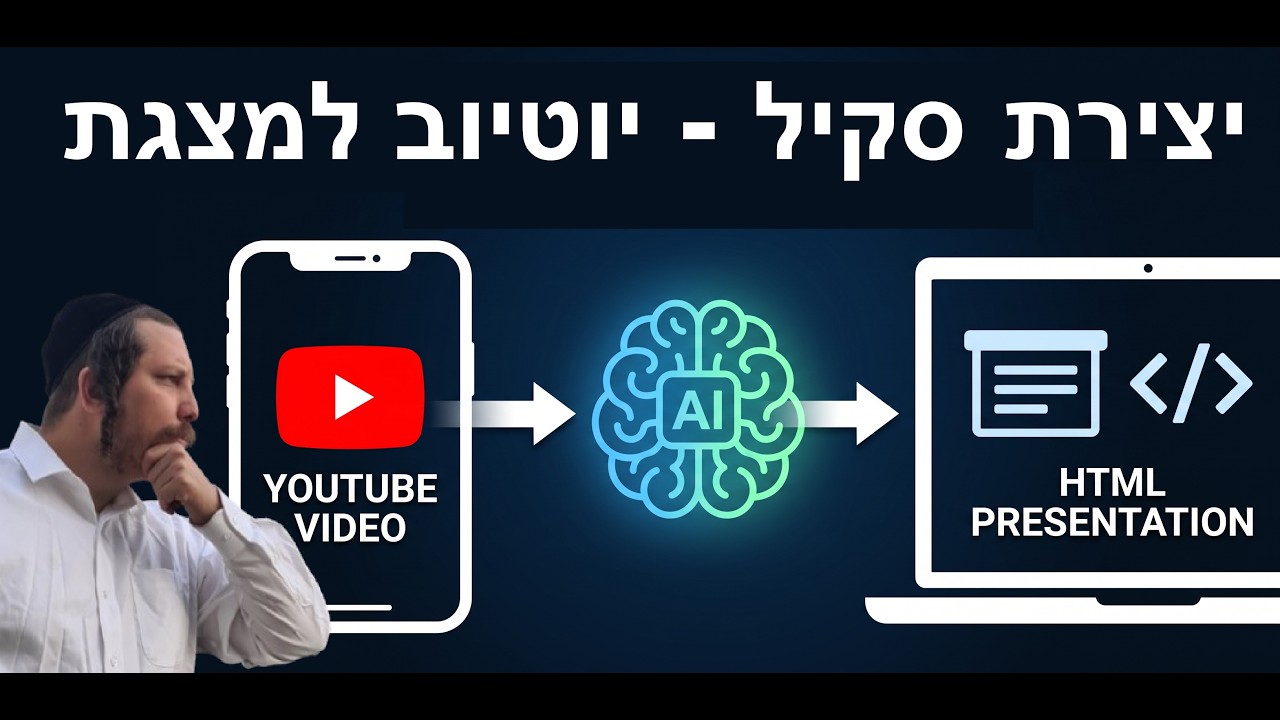
Most YouTube videos are too long, and most summaries are too dry. Ariel wanted something sharper: an agent he could hand any YouTube link to — in any language — and get back a Hebrew summary wrapped in a clean, visual HTML page, hosted on his own VPS, reachable from his phone.
This video is the live build of that idea. He starts with a handwritten requirement, lets the agent figure out the transcription API, the translation, the design, and the deployment, and ends up with a working page he can show on WhatsApp.
The spec: five sentences, one agent
The whole project fits on one requirement document:
- Give the agent a YouTube link.
- Transcribe everything. The agent finds a transcription API, signs up for a free tier, and pulls the full text.
- Translate the summary into Hebrew. With a reminder to translate technical terms correctly — because memes about bad translation exist for a reason.
- Build a personalized HTML/CSS page with visuals and diagrams, skipping the filler and keeping only what actually matters.
- Register it on a home page served over HTTPS on a dedicated port.
The agent does the boring parts. Ariel just writes the process down in plain English.
From requirement to running page
Ariel hands the requirement file to OpenClaw and watches it work. The agent creates a YoutubeToHTML folder, researches transcription APIs, picks one, pulls the transcript, translates it, builds the HTML, and serves it.
At one point he asks the agent to find a UI skill and check whether it is safe. The agent web-searches the skill, checks that it points to GitHub, and gives a thumbs-up. Ariel accepts the risk — with a quiet note that anyone in a more sensitive environment should double-check themselves. Then he tells the agent to install the skill and use it.
The result: a page with topic headings, visual cards, and the actual insights pulled out of a long video. It is not perfect — Ariel admits the design is “somehow nice” and that he can iterate on it by talking to the agent — but it is already useful.
The WhatsApp trigger
The killer convenience is the activation method: Ariel sends a YouTube link to himself on WhatsApp, and OpenClaw reads it, starts a task, and works in the background. Because the agent runs on a VPS, he can drop a link from anywhere and come back to a finished page.
The UI controls also let him peek in while the agent is working, so the process is not a black box. He can see the agent building tasks, sending messages, and correcting itself when something does not land.
🔥 Roast Corner
Let us start with the obvious: the hardest part of this AI demo is not the AI. It is Ariel writing the requirement document in English so the agent can read it. We are officially at the stage where the bottleneck is human clarity, not model capability.
Then there is the “check if this UI skill is safe” moment. He asks the agent to web-search a GitHub-linked skill and tell him whether it looks safe. The agent says yes. That is not a security audit; that is asking the intern if the intern looks trustworthy. It worked this time, but do not run that workflow on a company laptop unless you enjoy incident response.
Also, the man is literally torturing the agent with English so it learns to read. There is a metaphor in there about how most of us treat our tools, and it is not flattering.
🤖 AI for Humans
Imagine you find a 40-minute YouTube video in English, Spanish, or anything else, and you do not have the energy to watch it. You paste the link into WhatsApp, and a few minutes later you get a Hebrew page with the key points laid out visually — no filler, no scrolling through timestamps, no manual translation.
That is what the agent is doing:
- Reading the video for you by turning speech into text.
- Summarizing it in Hebrew so you do not have to translate in your head.
- Designing a page that shows the important stuff at a glance.
- Hosting it on your own server so you can revisit it anytime.
It is not replacing you. It is replacing the part where you waste 40 minutes on a video you only needed the highlights from.
💬 Comments