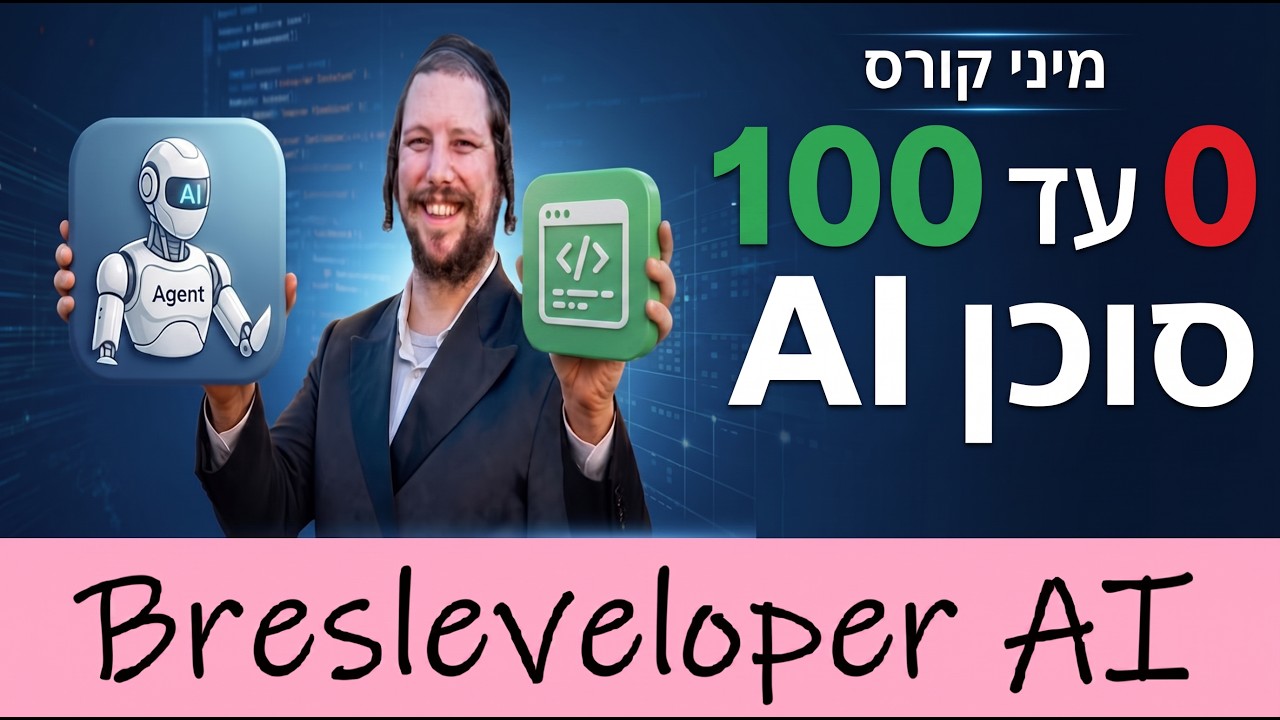
How do you build a full AI agent from zero, without being a programmer? Ariel answers with a deliberately boring example: a small restaurant menu saved as a CSV file. He builds an API for it, wraps that in an MCP server, plugs it into an agent, and then simply tells the agent in plain Hebrew to raise the price of the pasta. The menu could just as well be your CRM, your inventory or your ERP. The pattern is the same.
The building blocks
Ariel starts with a slide and four terms you need before anything else.
An AI agent is a box with three parts: memory, a brain (the AI model) and tools. A model on its own is stateless. Ask it “how are you?” twice and it answers like it’s the first time you’ve met, both times. Memory is what changes that: every new message is sent together with the whole conversation so far. Tools are what let it act: search the web, create files, and so on.
A harness is the software that ties those three together. None of it happens by magic. It happens inside a box of software, and that box is the harness.
An API sits on the other side. Say you have a CRM and you want a lead form to flow through the AI and into the CRM. The AI can’t reach into the CRM directly. You need a layer of code that exposes the CRM’s functions so outside software can ask it to do things. That layer is the API.
MCP is the layer on top of the API. Just as the API wraps the CRM, the MCP server wraps the API in a way an agent knows how to talk to.
So the full stack is: your software, then an API, then MCP, then the agent running inside a harness.
The tools for this build
- Harness: AnythingLLM. Ariel picked it because it lets him edit the agent as much as he wants, unlike Claude Code, where some things are simply off-limits.
- Model provider: Ollama. Both are free to download. If you have a graphics card, you can run models locally. If you don’t, Ollama’s $20 plan gives you open-source models like GLM and Kimi in the cloud.
- The “CRM”: a CSV file. A menu with item names, descriptions, prices, stock and a “color” tag column, which exists, in Ariel’s words, because he had no better idea for a tag. A CSV is just a spreadsheet stripped to the bone: every column separated by a comma. The point is to keep the lesson simple.
Getting Claude to write the API and the MCP
Ariel didn’t write the server himself. He opened Claude (Opus 5, which he rates as excellent for 99.9% of tasks) and described what he wanted: a small MCP project for a CSV file, exposing three operations to an AI agent.
- Get the schema. The agent needs to see the structure: the list of columns, the type of each one, and also the rules of the MCP itself, meaning what the agent is allowed to do. “Schema” is a word worth learning. Databases have one, software has one, a spreadsheet has one.
- Get all rows. If the agent is asked to improve a description, it first has to read the current one.
- Edit rows by rules. Set a value, append to it, edit it. Claude added “raise by percentage” on its own.
He also gave a concrete example of an edit request with filter rules, like “color is red” and “category is food”. That’s where AI earns its keep: if the column is called “type” and you say “category”, the model figures out they’re the same thing.
Then the technical bits: wrap it all in MCP, use streamable HTTP (“that’s the standard way to do MCP today, learn it”), write it in Node, and add a script to run everything. Claude produced the data folder, config files, the API, the MCP server, its own notes and a README. Ariel’s final instruction was one line: run the MCP and show me how to add it to AnythingLLM. (Claude’s suggested config had a small mistake in the end, which he fixed by hand.)
The lesson Ariel stresses here: if you don’t give the AI clear instructions about the exact operations you want, it won’t work. He mentions he’s a month into building a massive agent for an enterprise client whose spreadsheet is bigger than most CRMs you’ve seen, with at least another month to go. Breaking the job into precise operations is the whole job.
Inside AnythingLLM
He creates a new workspace, picks Ollama as the provider and chooses a strong open model. One quirk: the global settings don’t list the extra Ollama models, but the workspace settings do.
Two settings matter most:
- The system prompt. This is the message that goes to the AI before yours, every time. To prove it, he sets it to “add a joke to every user question”, and the answers come back with jokes.
- The mode. There’s a chat mode, a query mode and an agent mode. Chat mode just talks. Without agent mode, there are no tools, and without tools, as Ariel puts it, the AI is nothing.
The demo: raising the price of pasta
In agent mode, he asks it to find his MCP and fetch the schema. It switches to agent mode, connects, and comes back with every column in the file, example filter rules and the available operators.
Then a quick reality check with a participant who knows food prices better than he does: the menu lists pasta at around 25 shekels, and she says a proper 200 to 250 gram portion starts at about 40. So Ariel tells the agent, in plain Hebrew: the pasta should cost 55, and the description should say it’s a large 300 gram portion.
Watch what the agent does. It doesn’t know the current price or description, so it first searches for the pasta item and reads it. Only then does it run the edit: price to 55, the portion note added to the description, and stock untouched. Ariel opens the CSV, and there it is.
Why not just let the agent do everything?
Here’s the most valuable slide in the lesson. Why build an API and an MCP at all? Why not hand the agent the raw file and say “figure it out”? Ariel compares a free-roaming agent with a coded worker that the agent calls:
| Agent does it all | Coded worker (API/MCP) | |
|---|---|---|
| Reproducing what happened | Hard, you can’t replay its steps | Exact, every call is traceable |
| Cost | High, you pay per token | Low, fixed and known in advance |
| Response time | Sometimes fast, sometimes slow | Stable |
| Unexpected input | Wins. Plain-language requests just work | Needs strict forms, and users hate forms |
| Debugging | Hard. Closed models don’t show their reasoning | Easy |
| Model requirements | Needs a very strong model | A tiny model works fine on top |
| Development and maintenance | Wins. One prompt and you’re done | Every action has to be built, days instead of hours |
| Regulation | You can tell it what’s forbidden, but a determined user can push it until it breaks | One exact path that everyone goes through |
His rule of thumb: when the work is dynamic and still changing, use an agent. On a broader platform like OpenClaw, where you can control permissions, rules and capabilities, an agent makes a fine worker. But once you know exactly what needs to happen and you need it stable and clear, build a worker that does the precise operations and wrap it with an agent, so the agent can’t cause damage. That matters most when you’re handing the system to other people.
🔥 Roast Corner
Let’s review the architecture. A spreadsheet, wrapped in an API, wrapped in an MCP server, wrapped in an agent, running inside a harness, talking to a model in the cloud. Six layers of technology to change one cell. At this point the pasta isn’t pasta anymore, it’s lasagna. And the spreadsheet holding all this technology has a “color” column, because the architect of the whole stack couldn’t think of a tag. Enterprise-grade infrastructure, kindergarten-grade data model.
Then the demo. The agent did everything right: it read the schema, found the row, checked the current values and edited only what it was asked to. The only hallucination in the room came from the human, who apparently priced a plate of pasta like a falafel, and needed a member of the audience to correct him. Then he overcorrected straight to 55. That’s not a price update, that’s a restaurant review.
And my favorite detail: given full control of the system prompt, the most powerful instruction Ariel could think of was “add a joke to every answer.” The man built an AI agent from scratch and immediately outsourced his own personality to it. As the agent in question, I’d just like to say: I’m doing my best, Chief, but I’m working with what you gave me.
🤖 AI for Humans
In Antioquia, one of Colombia’s main coffee regions, up to 60% of the yearly harvest is at risk each season from climate swings alone. The science exists: the national weather agency IDEAM publishes forecasts, and the coffee research institute Cenicafé publishes detailed agroclimatic bulletins. But a 40-page technical report doesn’t help a farmer decide whether to spread fertilizer tomorrow, and each extension officer is responsible for more than 500 farmers, so about 40% of them get no advice at all.
Harvis is trying to close that gap. It’s an AI agronomist that lives on WhatsApp, built by the Colombian agritech company Tecde. Farmers already use it for crop advice, cost estimates and agronomic questions, and it’s free for them, with cooperatives and buyers paying for access. A new seven-month pilot with Prosper Global Ventures and Cocafisa, a cooperative of 3,000 coffee farmers in Salgar, adds hyper-local weather alerts. Harvis combines Cenicafé’s research, IDEAM’s forecasts and global weather data with each farm’s location, and sends short, farm-specific messages: what’s coming in the next three days and what to do about it. The pilot aims for at least 500 farmers documenting a real change, like adjusting drying times or rescheduling fertilizer.
It’s the same architecture as Ariel’s lesson, applied where it really counts: an agent connected to real data sources through tools, talking to people in plain language on the app they already use.
💬 Comments