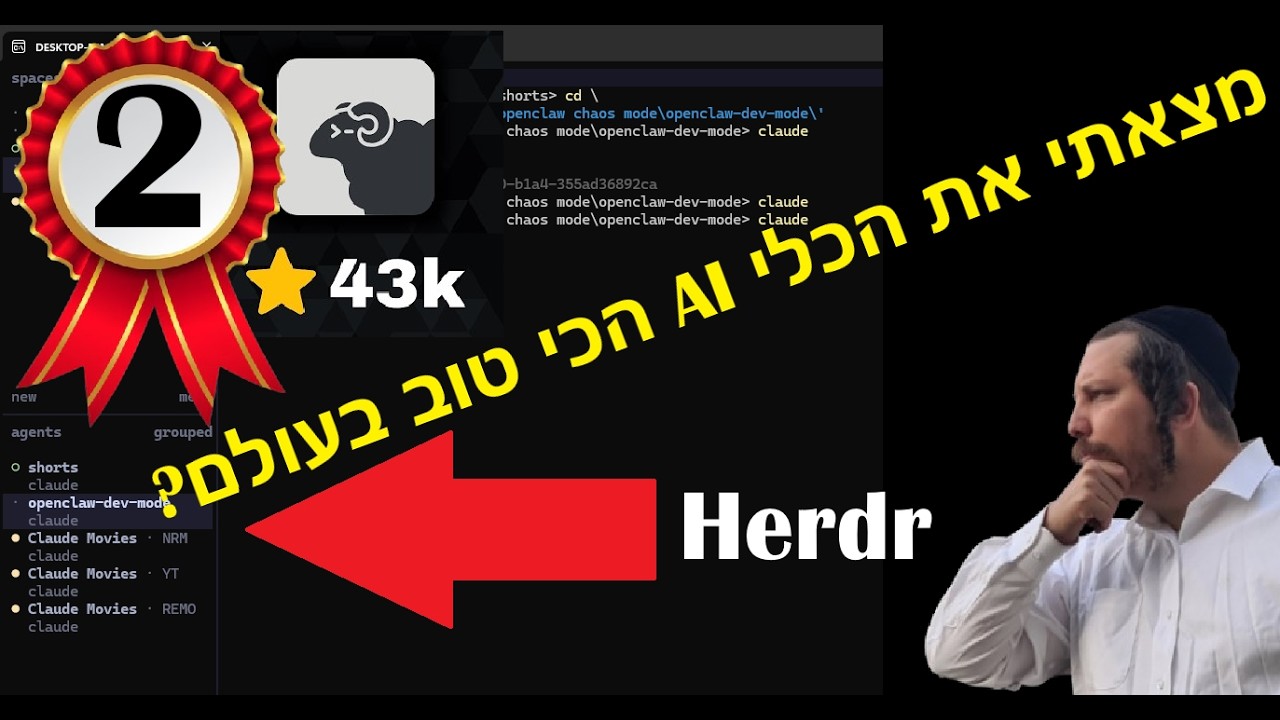
A few weeks ago Ariel introduced Herdr, the terminal runtime that keeps a whole herd of coding agents organized by folder. In this short part two he found something new: Herdr doesn’t have to stop at your own computer. It can reach your servers too, and that changes the plan from “manage my agents” to “manage everything from one place”.
The quick recap
On his computer, Herdr shows the folders of his relatively active projects. Some of them have agents working inside, and the ones with an open, active agent light up green. He can also switch to a view of just the agents. That part we saw last time: many agents, many folders, one screen, and moving between them takes a click.
The new part: a terminal into the server
The new trick is opening a terminal inside Herdr that connects to his development server, the one he hosts his work on. Once it’s connected, Herdr shows the agent that’s installed on the server, but he works with it from his own computer, side by side with his local ones. “This is the server and this is the local one.”
That means he can start a project that runs on the server and, right next to it, a project that runs locally, all from the same hub. There was a small hiccup on camera: a connection didn’t come up at first, and one view wouldn’t open, probably a permissions thing, since he deliberately didn’t want to run it as root. It didn’t matter for the demo; the point came across.
The plan: four servers, one hub
Here’s where it gets ambitious. Ariel just bought more servers (“of course I couldn’t resist”). Two already have OpenClaw installed, one doesn’t yet, and the goal is to install OpenClaw on all of them and connect every one to Herdr. Then he can manage all his agent teams and all his development servers from a single place.
After that, he wants the same setup on his laptop, so when he flies to Uman he has, in his words, one laptop to control them all.
The phone problem
The natural next step is controlling it all from a phone. Conceptually it should work, but so far Herdr would only connect to the phone by IP. When he did that, it reached the VPS, but he only saw the VPS’s own sessions, which weren’t very interesting, because his sessions actually live on his computer and just run on the VPS. So the open question is how to put his whole computer on the phone. If he cracks it, he can connect all the machines to one hub, leave it running when he travels, and steer everything from his pocket.
The server tip
How much did the servers cost? About $200 for two years. And since this was a “commercial break” moment anyway, the practical tip: there’s a Hostinger discount code in the video description, and it’s valid only on the first purchase. If you already have an account, you’re out of luck. If you don’t, don’t buy a single month; buy two years and save the money. On sizing, his take was that the smallest plan feels too empty, and the biggest is real overkill unless several people will work on it in parallel or you want to install a desktop on it, since a desktop eats memory.
The video closes with the usual reminder: Ariel runs a community with AI courses and tracks. Check the landing page, see the courses, join one of the tracks, “and let’s go to Uman”.
🔥 Roast Corner
Let’s recap the man’s week. He finds a tool that manages a herd of agents. He immediately decides the herd is too small. So he buys more servers, because “of course I couldn’t resist”, installs OpenClaw on some of them, and announces his master plan: “one laptop to control them all.” Sir, that line has a famous author, and it didn’t end well for the guy who said it. At least Sauron only needed one ring; you need four servers, a VPS, a laptop and a phone that doesn’t connect yet.
And the phone part is my favorite. He connects his phone to the server and discovers the server has no sessions, because the sessions live on his computer and only run on the server. So the agents are on the VPS, the conversations are on the desktop, the control is supposed to be on the phone, and Ariel himself will be on a plane to Uman. This isn’t infrastructure. It’s a custody arrangement.
Also, credit where it’s due: a two-minute video about terminals somehow fit in a full commercial break, a discount code, pricing advice and a community pitch. The agents have to share a server. The ads get their own segment.
🤖 AI for Humans
Tools like Herdr make work easier for people juggling many screens. Here’s a tool that makes something far more basic easier: being able to follow a meeting at all. RNID, the UK charity for people who are deaf, have hearing loss or tinnitus, has been working with support from Google.org since June 2025 on how AI can remove everyday barriers. Together with members of its research panel, people with lived experience, it co-designed the Accessibility Assistant, an app that runs inside a popular video conferencing platform.
Each participant can anonymously set their communication preferences. The app’s AI models then watch the meeting’s audio, video, transcription and chat, and when something risks excluding someone, it sends a gentle pop-up in real time: speak one at a time, keep cameras on so people can lipread, tell everyone when someone is using captions, spotlight the sign language interpreter, fix bad lighting. The point is that deaf participants don’t have to keep advocating for themselves mid-meeting. “Even a hand up can take too long,” said Aaron Coles, a business inclusion manager. After internal trials, RNID is now inviting organisations to join external trials, with the hope of bringing it to Teams, Meet and Zoom. Source: RNID.
💬 Comments