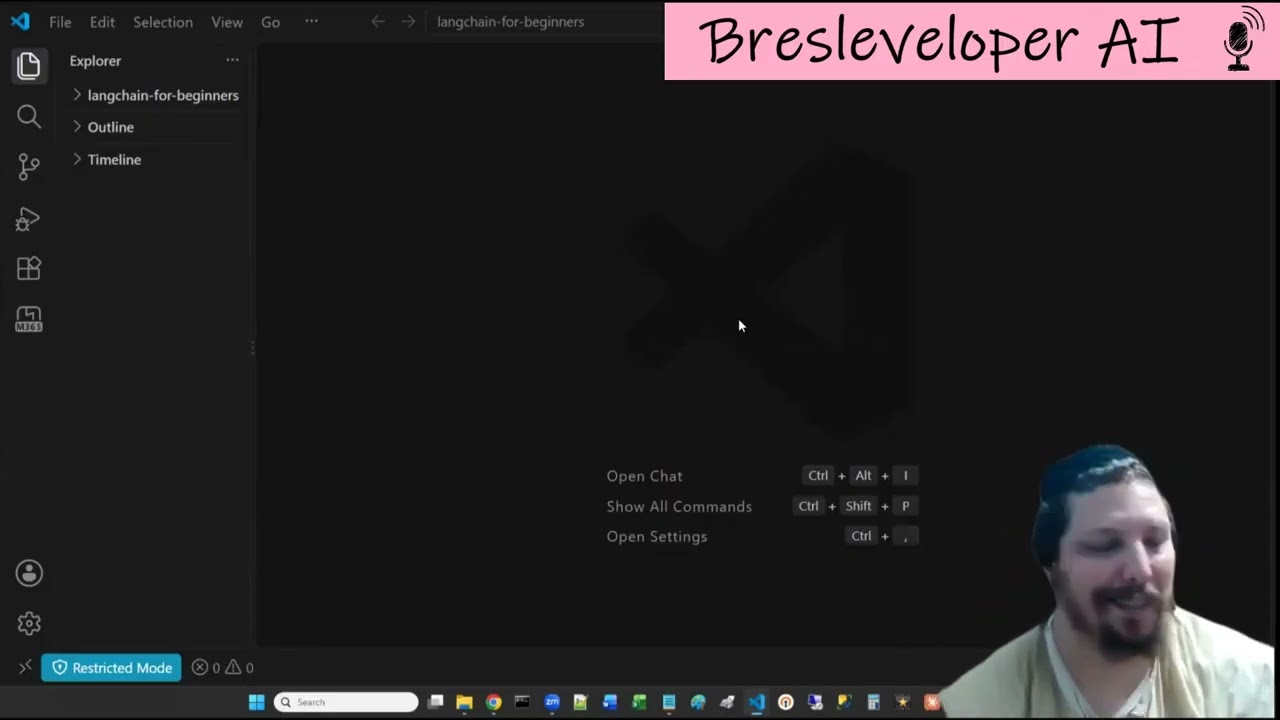
The Bresleveloper AI community has spent most of its courses building AI systems without writing code. Now it’s going after agents, and the plan is to keep the same vibe. The material is Microsoft’s free LangChain for Beginners course: talking to models, tools, agents, MCP, RAG and deployment. The format is a hybrid. Ariel explains and summarizes each lesson, then everyone asks Claude Code to build what the lesson covered, describing it at a high level instead of typing it. Lesson one is the boring-but-essential part: getting a working Python environment on your machine.
Why LangChain first
Ariel’s pitch for LangChain is simple: it’s the gold-standard infrastructure for agents and, more broadly, for AI-based systems. Before anyone said “agent,” there was LangChain, a generic layer that connects to more or less any database, loads documents, chains instructions together, and talks to any LLM, whether GPT or Claude, even though their APIs differ. His claim is that most of the basic building blocks in today’s AI world, unless someone built from scratch, end up resting on it.
The course pushes everything toward Microsoft’s cloud. The community will skip that and deploy to its own servers instead. The model connection will go through OpenRouter, so everyone can copy the same setup, with Ollama as a possible extra.
Step 1: Git and cloning the course
The first move is getting the course code onto your machine. If you have Git Bash, you have Git. If not, search “Git for Windows,” grab the 64-bit installer and click Next until it’s done.
Ariel takes a short detour to explain what Git actually is: source control, version management for code. You submit “Hello friends,” then change it to “Hello friends (male and female),” and Git remembers both versions, who submitted each one and when, and lets you go back if you get tired of the second one. GitHub is the most famous cloud home for those versions, with GitLab and Bitbucket alongside it.
The workflow in the video:
- Create a working folder.
- Click the address bar at the top of the folder, type
cmd, and press Enter to open a terminal right there. - Run
git clonewith the course URL. Git copies all the files down.
Then a safety note worth repeating: be careful what you clone and from whom. The easy check is to hand the repository to Claude and ask whether there’s anything problematic in the code. With a Microsoft repo you can relax a little.
Step 2: VS Code and the terminal
If you don’t have Visual Studio Code, search for it and install it. Open the course folder, type code . in that same address bar, and VS Code opens with the project. Files on the left, workspace in the middle, and Ctrl + ` (the tilde key, left of the 1) toggles the built-in terminal.
The community doesn’t learn to code, because Claude Code writes the code. But Ariel insists on one thing: if you want to deal with AI, you work in the terminal. He’s allowing VS Code’s friendlier terminal this time, and promises that next lesson everyone switches to the plain black screen.
Step 3: Python, venv and requirements
Check Python with python --version or python3 --version. New machines usually have it. If not, search “install python 3 for windows” and keep clicking Next. If you have Python, you almost always have pip too, which Ariel describes as the GitHub of Python packages.
Then three lines:
python -m venv venvcreates a virtual environment for this project only, which keeps it a little more protected from everything else on your machine.- Activate it (
venv\Scripts\activateon Windows). The terminal shows you’re inside it. pip install -r requirements.txtinstalls the course’s packages.
His first install came back full of red lines. His fix is the community’s fix for everything: let Claude investigate. It gave him an extra line to run, and the next attempt was clean. If you get the red wall, paste it into Claude and do what it says.
What actually got installed
A quick tour of the requirements file:
- LangChain itself: the core framework.
- langchain-openai: the API layer the course uses to talk to models. Behind the scenes it can reach OpenRouter, GPT, Claude and others.
- langchain-azure-ai: meant for the course’s final chapter, deploying to Azure. The community is skipping it. Ariel calls it uninteresting and expensive, and says people who work in an Azure organization can follow that chapter as written.
- python-dotenv: reads secrets (API tokens, account details) from a
.envfile instead of hard-coding them.
The lesson ends by skipping the course’s GitHub-access step for now and heading to environment variables, which is where the next lesson picks up.
🔥 Roast Corner
Welcome to the no-code course. Today’s agenda: install Git, clone a repository, install VS Code, open a terminal, check your Python version, create a virtual environment, activate it, and pip install a requirements file. No code was harmed in the making of this lesson, only six command-line tools and everyone’s will to live.
Python environments are such a mess that xkcd drew a whole comic where the setup looks like a crime-scene diagram and the alt text says the Python environmental protection agency wants to seal it in a cement chamber. Ariel’s solution to that decades-old problem? Red lines appear, you call Claude. Red lines appear again, you call Claude again. That’s not a dev environment, that’s a hotline.
And credit where it’s due for the marketing reflex. Thirty seconds into a free lesson about building agents, he’s already mentioned you can buy servers from him. Then he spots a folder in the course he can’t identify, shrugs, and moves on. Truly the LangChain experience: half the dependency tree is a mystery, and the guy selling you the server is fine with that.
🤖 AI for Humans
Vocality is a communication app for people with ALS who are losing the ability to speak. It was started by Thomas, a biomedical engineering student at Polytechnique Montréal, after two of his relatives from different sides of the family were diagnosed with ALS in 2021. He watched them struggle with communication tools that were slow and complicated, the kind that turn a conversation into a chore. David, a software engineering graduate from Concordia University, joined him to build something better.
The app uses AI and language models to anticipate what someone wants to say and offer shortcuts, so each message takes less effort. That matters more than it sounds. When every sentence is hard work, people start cutting their thoughts down to basic needs and stop telling stories, joking, or reacting in the moment. Vocality is meant to give that back. The two developers built it with speech-language pathologists, occupational therapists and people living with ALS, with ALS Quebec connecting them to community members who test it. Because no two people with ALS move or use a device the same way, the app keeps getting more customizable.
It’s a nice mirror for this lesson, too: two young developers with the technical skills who were smart enough to admit the real experts were the people using the product.
💬 Comments